open source · macOS · Apple silicon
arrange
the macOS menu-bar display panel. arrange displays, link keyboard and mouse, and drag a Universal Control iPad to move its real edge.
drag the iPad. move its real edge.
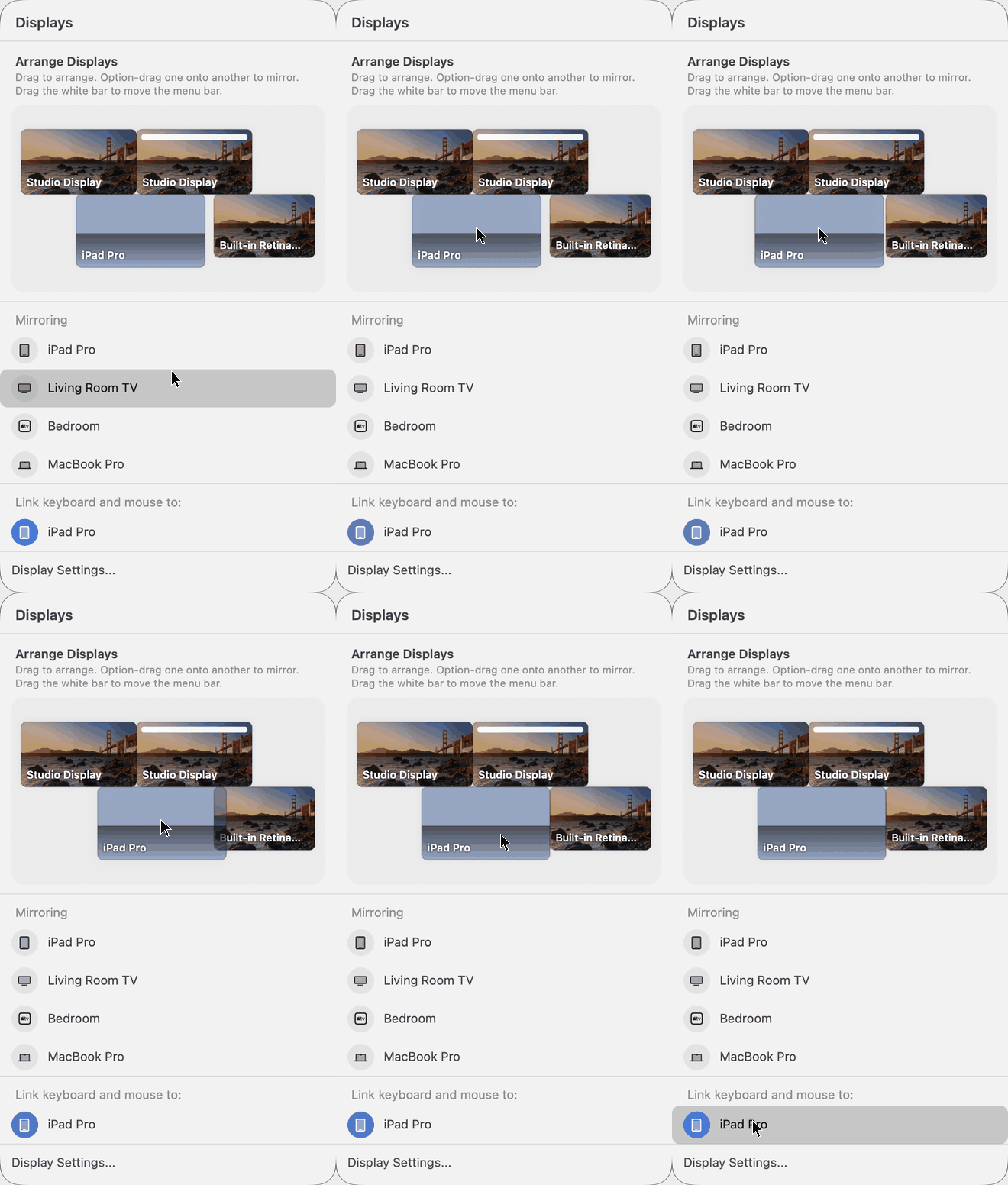
drag real displays to rearrange; Option-drag to mirror; move the white bar to move the menu bar. a linked iPad appears at its actual Universal Control position.
before installing
Apple silicon only. Accessibility permission and English system labels are required for Universal Control. the app is ad-hoc signed, not notarized: use Privacy & Security → Open Anyway on first launch. System Settings may flash briefly while moving an iPad. AirPlay receiver mirroring is not implemented.